-
Begin work in an instant
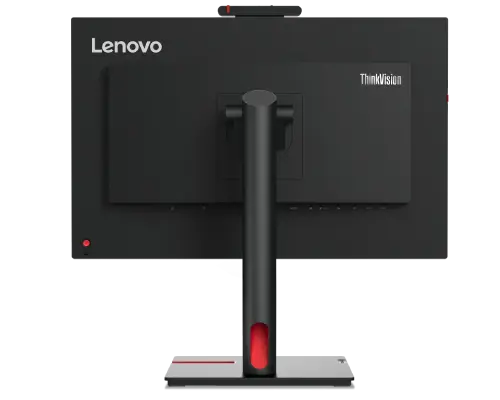
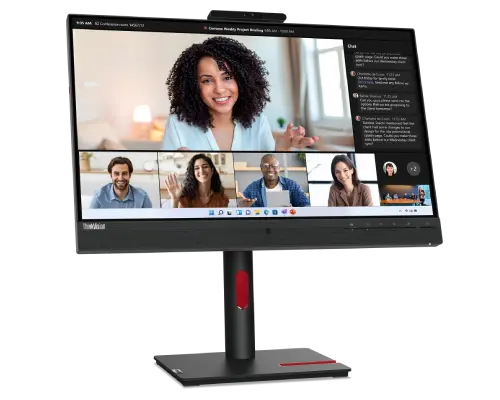
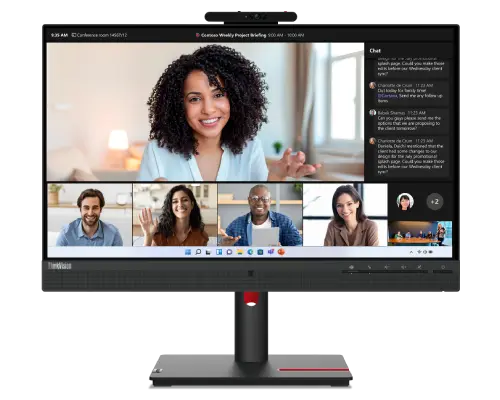
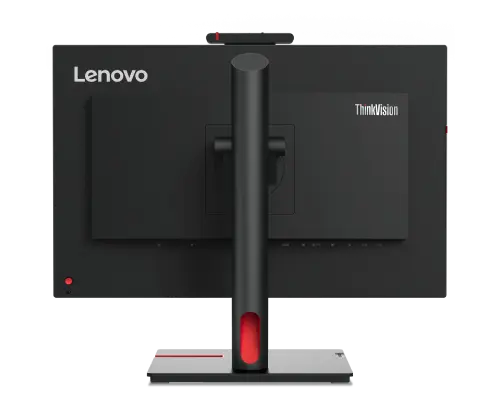
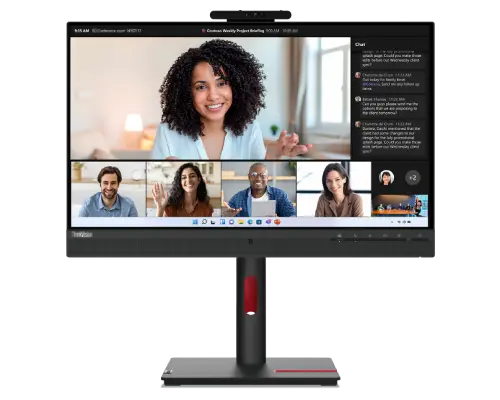
The Windows Hello Facial Recognition feature on the ThinkVision T24mv-30 Monitor allows you to get to work almost instantaneously, using the IR+RGB camera. Now you can connect your computer to the monitor with a single cable, allowing you to achieve a cleaner setup. Changing the monitor’s settings is made easy with the hook switch, volume control, and mute buttons.
-
Made for remote meetings
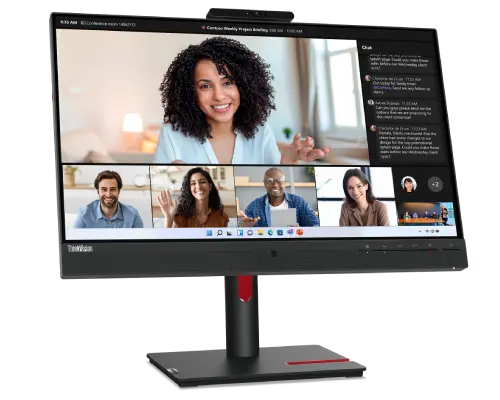
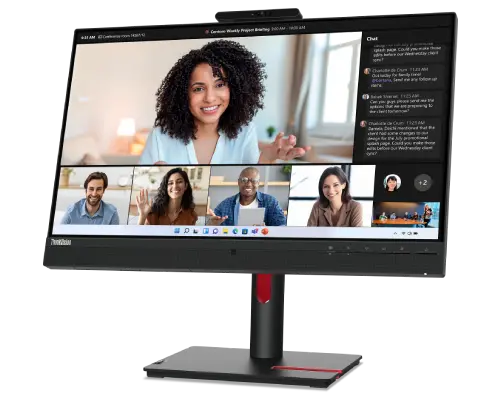
The 5MP camera ensures that you look sharp in all your video meetings, while the two Environmental Noise Cancellation microphones and the VoIP functionality ensure that you sound crystal clear! The in-built dual 5W speakers produce clear stereo sound so that you never miss a word of what’s said in any meeting. Getting to meetings has also never been easier, thanks to the dedicated Teams button on your ThinkVision T24mv-30 Monitor.
-
A monitor that’s smart
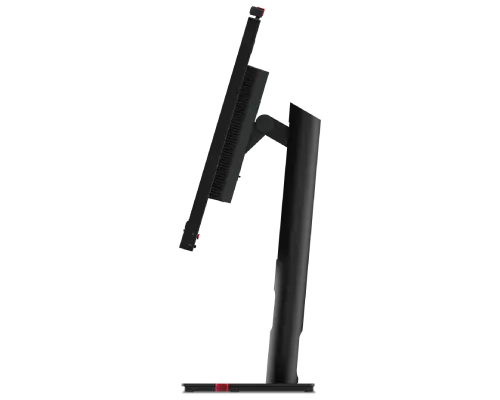
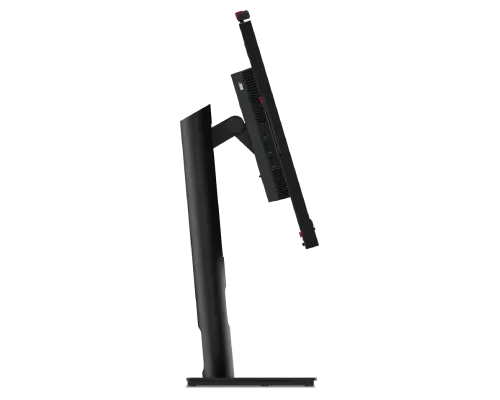
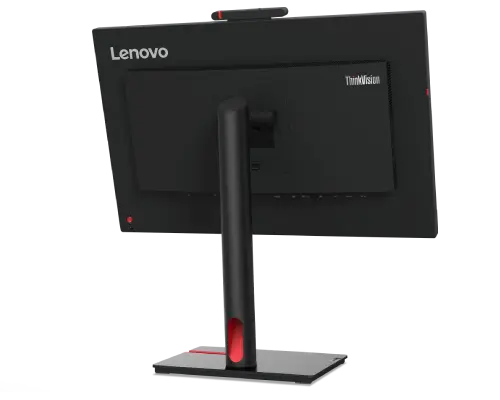
The new smart sensor helps the ThinkVision T24mv-30 Monitor care for your well-being. It can alert you when you’re sitting way too close to the screen and when you’ve been sitting for a long. Additionally, it can even turn off the monitor when it senses that you’re away, granting you some additional privacy. The LTPS stand lets you lift, tilt, pivot, and swivel the monitor so it makes all the adjustments needed to keep you comfortable.
| DISPLAY |
23.8-inch
16:9
1920 x 1080
0.274 mm x 0.274 mm
93
75Hz 1
250 cd/m 2
3M:1
99.0% sRGB
Yes
|
| CONNECTIVITY |
1 x USB 3.2 Gen 1 2 Type-C
3 (90W)
1 x HDMI 2.1 1 x DP 1.4 1 x DP Out 1 x Audio Combo (3.5 mm; In/Out)
Yes
Yes (10M/100M/1000M)
1 x USB 3.2 Gen 12
Type-C3(90W)
4 x USB 3.2 Gen 12 Type-A
|
| MULTIMEDIA |
Yes (2592 x 1944,
5MP, IR+RGB)
|
| Special Features |
Lenovo ThinkColour (Lenovo Display
Control Center)4
Yes
|
| POWER |
24.5W / 160.0W
<0.5W
<0.3W
AC 100 to 240 V (50-60 Hz)
|
| MECHANICAL |
-5° / 23.5°
-45° / 45°
155 mm
-90/ 90
Yes (100 x 100 mm)
Yes
Yes
|
| DIMENSION |
178.0 x 422.0 x 590.0 mm
7.01 x 16.61 x 23.23 inches
199.7 x 542.8 x 539.8 mm
7.86 x 21.37 x 21.25 inches
|
| CERTIFICATIONS |
Windows 10, Windows 11
Yes
Yes
Yes
Yes
|
1. HDMI only.
2. Depending on many factors such as the processing capability of peripheral devices, file
attributes
and other factors related to system configuration and operating environments, the actual transfer
rate
using the various USB connectors on this device will vary and is typically slower than the data
rates
as defined by the respective USB specifications: 5 Gbit/s for USB 3.2 Gen 1; 10 Gbit/s for USB 3.2
Gen
2 & 20 Gbit/s for USB 3.2 Gen2x2.
3. USB Type-Cand USB-Care registered trademarks of USB Implementers Forum.
4. This software can only be used with Windows 10 & Windows 11.
Specifications may vary depending upon region/model.
- Monitor with stand
- 1 x Power cable (1.8 m)
- 1 x USB Type-C 3 to Type-C 3 Cable (1.8m)
- Quick Setup Guide